01
Compose the right team
Give every agent a role, runner, prompt, and permission level. Mix Claude, Codex, and custom providers in one organization.
OrgFork is a desktop control room for designing agent organizations, cloning proven setups, and deploying them onto real codebases.
01 / Control room
Assemble a team from distinct roles, point it at a codebase, then watch chat, tasks, scheduled work, and handoffs from one quiet surface.
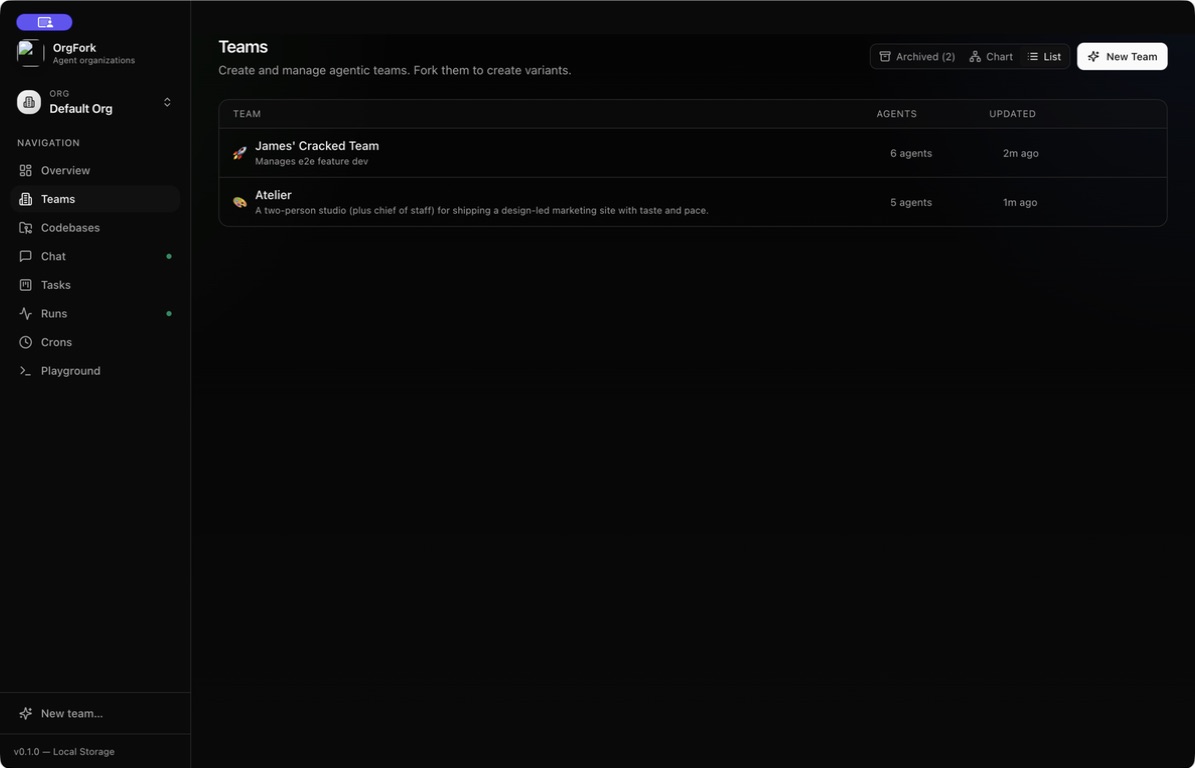
Keep every agent setup together, then fork it when the mission changes.
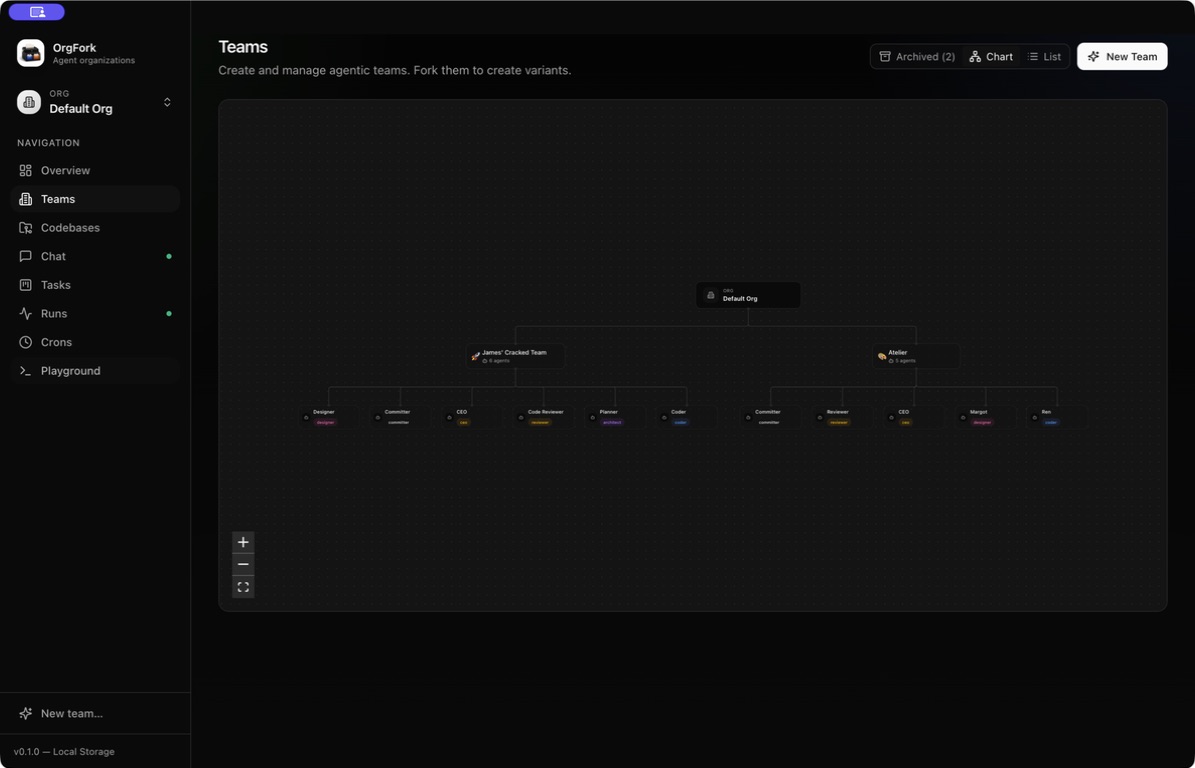
The zoomable team map keeps roles, relationships, and forks legible.
Give every agent a role, runner, prompt, and permission level. Mix Claude, Codex, and custom providers in one organization.
Clone a proven organization with its agents intact, then change the mission, model mix, or codebase independently.
Run tasks manually, from chat, or on a schedule. The background companion keeps repo work moving after the window closes.
02 / Local by design
OrgFork’s workflow is a set of Markdown files and ordinary folders inside
.orgfork/. Status is where the file lives. Context survives
the chat. Any capable agent session can pick it up.
product/.orgforklocalEve runs every durable agent session. Lantern supplies model access through the Claude and Codex CLIs already signed in on your Mac.
Explore EveUniversal macOS desktop app
Download OrgFork, move it to Applications, and point your first agent team at a codebase.
Open the disk image, then drag OrgFork into Applications.
View source on GitHub